A lower paid price for Mac writing
Openbroca Unlimited is $6.99/month or $59.99/year. Compare the full bill and the devices you need.
Choosing an Aqua Voice alternative
Compare your own writing before switching: names, corrections, and the destination field all affect the result.
Free weekly plan · No card required · macOS 15+ · Internet required
By the Openbroca Team · Facts checked
Try Openbroca for Mac dictation with cleanup, a personal dictionary, configured translation, and a lower paid price. Start free in your usual apps.
Aqua Voice offers more devices and editing tools: desktop Edit Mode rewrites selections, while Max adds live previews and a send command.
Openbroca Unlimited is $6.99/month or $59.99/year. Compare the full bill and the devices you need.
Openbroca offers 28 output languages in its translation settings. Aqua also translates selections through Edit Mode; try your usual language pair.
All Mac features are included. Try an email, message, and longer explanation to see whether the output suits your writing.
| Feature | Openbroca | Aqua Voice |
|---|---|---|
| Released platforms | macOS 15 or later; native Mac app | Mac, Windows, iPhone, and Android; one subscription |
| Individual paid plans (USD) | $6.99/month or $59.99/year | Pro: $12/month or $120/year. Max: $24/month or $228/year |
| Free allowance | 3,000 text units/week; all Mac features | 1,000 words to try; a recurring reset is not advertised |
| Writing and editing | Dictation cleanup and a personal dictionary | Dictation; selected-text Edit Mode; Pro adds Custom Instructions and Dictionary |
| Live preview and sending | Finish dictation, inspect the inserted text, then send | Desktop Max Realtime Mode previews text in its toolbar; optional ‘send it’ command |
| Languages and translation | 30 input languages; 28 configured translation outputs | Multilingual dictation with Auto-Detect; selected-text translation in Edit Mode |
| Optional screen context | Screen Context supplies spelling hints when enabled | Deep Context reads a start-of-dictation screenshot for names and terms |
| Dictation data retention | No audio stored; account text and request logs kept until account deletion | Privacy Mode avoids server-stored dictation audio/text, except feedback attachments; metadata may remain |
| Internet access | Cloud processing; connection required | Cloud dictation requires internet; ask Aqua about offline availability for your setup |
Competitor details were checked against the official sources linked below on November 7, 2026 and may change. Openbroca’s column describes the current Mac product.
The quotas differ: Openbroca counts Han ideographs as two units, other non-whitespace characters as one, and whitespace as zero; Aqua counts words. Annual amounts cover the full year before applicable tax. Confirm checkout terms. See Openbroca plans.
Openbroca in one minute
Copy context while you speak, turn a rough thought into a draft, and keep writing in your current app.
Setting up for the first time? Watch the step-by-step walkthrough on YouTube
Illustrated product walkthrough of Openbroca 1.10. Scenes and text are staged to explain the features; this is not a comparative performance test or a recording of a dictionary import.
These suggested checks are not completed tests. Keep the microphone, environment, and wording consistent.
Both Mac apps can use Fn. Avoid conflicts, focus a Notes draft, and check which app starts. Leave optional screen context off initially.
Dictate an email and a longer explanation in each tool. Check names, numbers, and negations. Record the edits needed before sending.
Try a name and a translation. Separately evaluate Aqua's selection editing and any Realtime access available. Check each destination app you rely on.
Compare output, permissions, retention, devices, and full subscription price. Keep your current service until the replacement handles essential tasks.
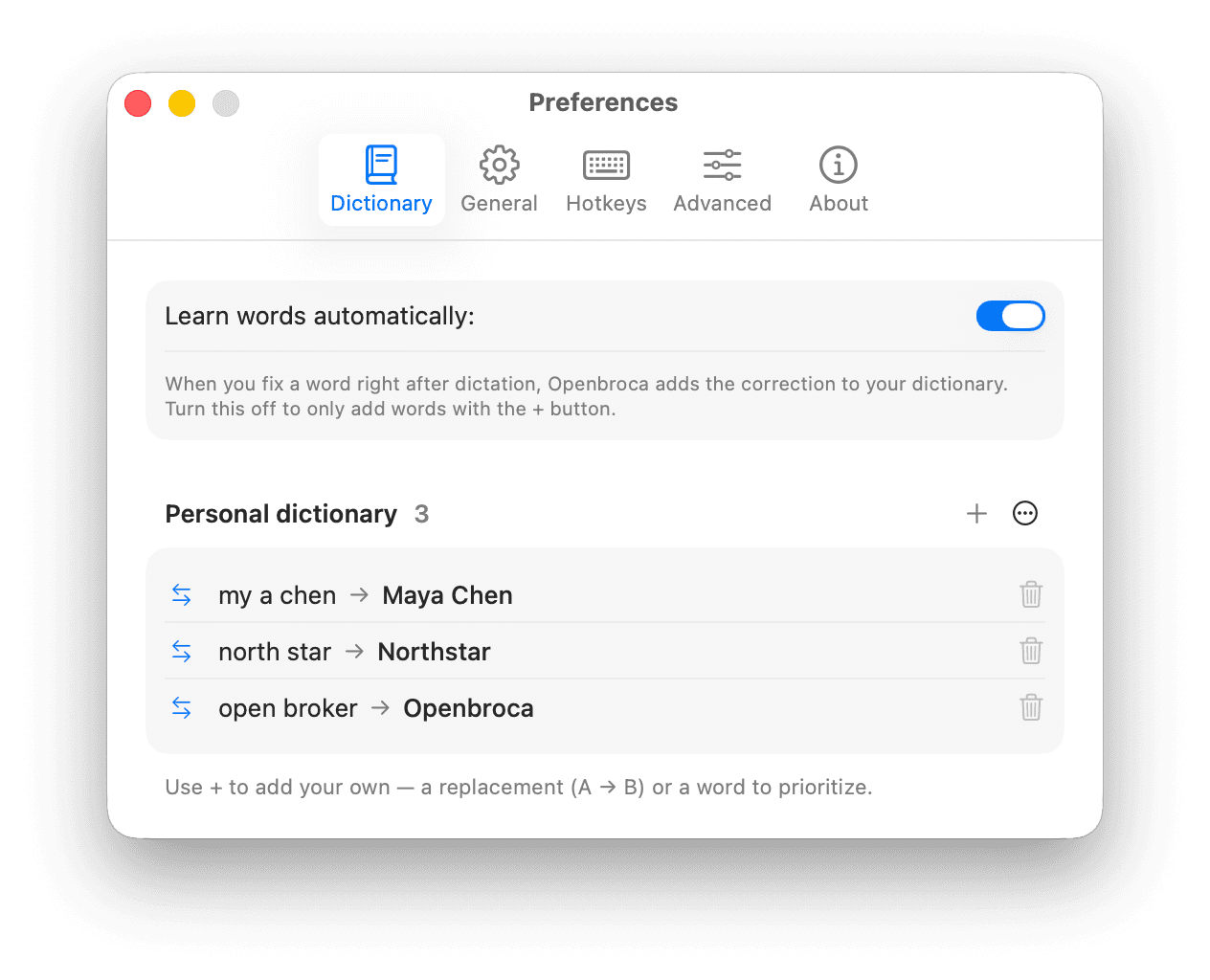
Check important names in sentences. Automatic Aqua dictionary import is not promised. Installing another app does not cancel your existing subscription.
Last reviewed: Published and reviewed by the Openbroca Team
Comparison by Openbroca.
Based on the official product, pricing, and privacy sources linked below. This is a feature comparison; no controlled speed or accuracy results are published.
All Mac features are available within Openbroca's weekly text-unit allowance; Unlimited is paid. Aqua counts words, so compare actual usage rather than the quota numbers.
Openbroca's released app is for Mac. Windows is planned with a waiting list; mobile is not promised here. Aqua offers desktop and mobile apps.
Yes. Desktop Edit Mode translates selections by spoken instruction. Openbroca provides translation output settings. Try your language pair and destination.
Openbroca retains account text but no audio. Aqua's Privacy Mode changes dictation retention, with feedback and metadata exceptions. Notetaker meetings have separate storage rules even with Privacy Mode on.
We have not established either claim through controlled testing. Compare corrections using the same microphone and writing tasks.
Choose Aqua for broader device coverage, selection editing, desktop Realtime Mode, or organization controls. Try Openbroca if its Mac workflow and price fit. This documented comparison does not establish an accuracy or speed winner.
Use your Dictation shortcut, speak, and keep writing in your Mac app. Openbroca turns your words into clear text. Start for free.
See pricing